

How to Optimize Your Google Business Profile for Local SEO
Google Business Profile Optimization is an essential part of a successful Local SEO strategy. It helps businesses improve their visibility on Google Search and Google Maps, attract local customers, and build a strong online presence. Whether you run a restaurant, hotel, digital marketing agency, coaching institute, or local service business, optimizing your Google Business Profile can help potential customers discover your business more easily.
What Is Google Business Profile?
Google Business Profile (GBP), previously known as Google My Business (GMB), is a free tool that allows businesses to manage how they appear on Google Search and Google Maps.
With a Google Business Profile, businesses can display important information such as:
Why Is Google Business Profile Important for Local SEO?
1. Relevance
Relevance refers to how closely your business profile matches what a customer is searching for.
For example, if someone searches for "digital marketing training institute", a profile with accurate business categories, relevant services, and detailed information may be more relevant to that search.
2. Distance
Distance refers to how far your business is from the location of the person searching.
For example, someone searching for a nearby restaurant may see businesses located closer to their current location.
3. Prominence
Prominence refers to how well-known a business is. Google may consider information such as customer reviews, ratings, links, and other signals across the web.
Understanding these three factors helps you create a better Google Business Profile optimization strategy.
How to Optimize Your Google Business Profile for Local SEO
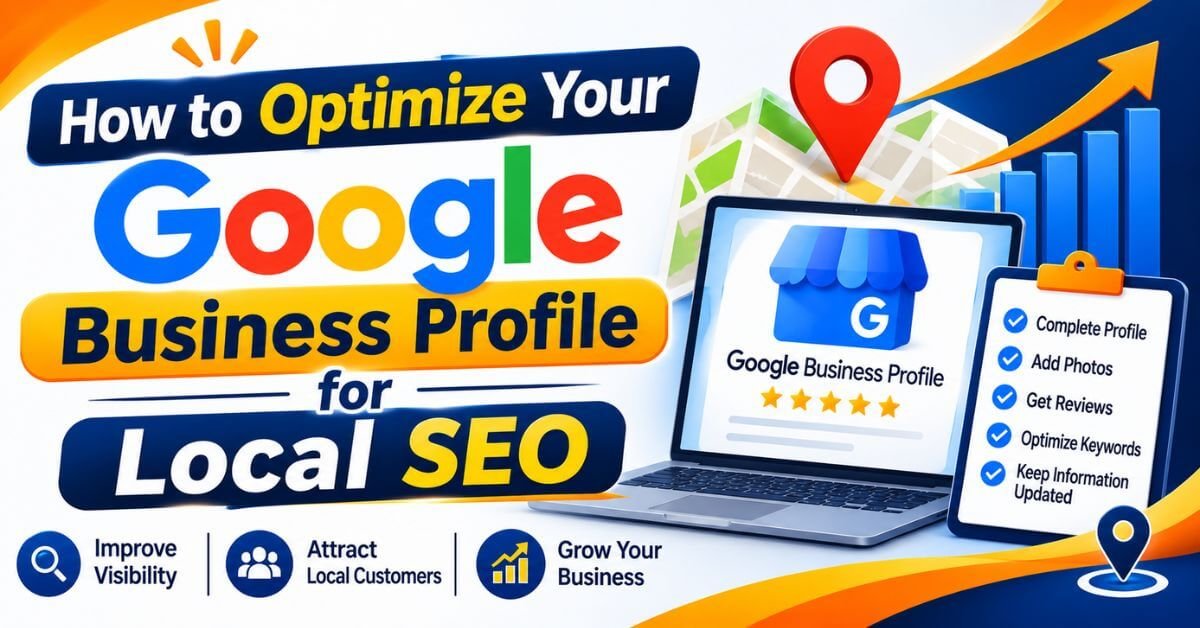
Follow these steps to improve your profile's accuracy, relevance, and visibility in local searches.
1. Claim and Verify Your Google Business Profile
The first step is to claim your business profile or create one if your business is eligible.
Search for your business on Google. If a profile already exists, check whether you can claim and manage it. Otherwise, create a new profile using your official business details.
Complete Google's verification process using the method offered for your business.
Verification helps establish that you are authorized to manage the business information.
2. Use Your Correct Business Name
Your business name should match the name customers recognize in the real world.
Avoid adding unnecessary keywords, locations, phone numbers, or promotional phrases to your business name.
For example:
Correct: ABC Digital Marketing Academy
Incorrect: ABC Best Digital Marketing Academy in Delhi Cheap SEO Training
Using extra keywords in your business name can violate Google's guidelines and may create profile-related problems.
3. Choose the Right Primary and Secondary Categories
Business categories help Google understand what your business does.
Your primary category should describe your main business activity as accurately as possible.
For example:
You can also select relevant additional categories where available.
Do not select unrelated categories just to target more keywords. Choose only categories that genuinely describe your business.
4. Optimize Your Business Description
Your business description should explain what your business offers, who you serve, and what makes your business useful to customers.
Use relevant keywords naturally without repeating them unnecessarily.
For example:
"Kishor Digital Academy provides practical digital marketing training designed for students, business owners, job seekers, and aspiring freelancers. Learn SEO, Local SEO, social media marketing, Google Ads, website development, and AI-powered marketing techniques through industry-focused learning and practical projects."
Keep the description informative and within Google's 750-character limit. Avoid adding website URLs or promotional sales language.
5. Add Accurate Business Address and Service Areas
Your business location is an important part of local SEO.
Make sure your address is accurate and consistent with your real business location.
If customers visit your office or shop, display your eligible physical business address.
If your business travels to customers instead of receiving them at your location, configure it as a service-area business and hide the residential or non-customer-facing address where required.
Add only the areas you genuinely serve.
6. Add Your Website and Contact Information
Your Google Business Profile should make it easy for customers to contact you.
Add:
Make sure your website is mobile-friendly and contains relevant business information.
For better local SEO, create dedicated location or service pages on your website where they genuinely provide useful information to customers.
7. Add High-Quality Business Photos and Videos
Photos and videos help customers understand your business before visiting or contacting you.
Upload genuine and relevant images, such as:
Use clear, original photographs that accurately represent your business.
Avoid uploading irrelevant stock images or repeatedly using the same photographs.
8. Collect Genuine Customer Reviews
Customer reviews are important for building trust and improving your business reputation.
Encourage customers who have genuinely used your products or services to share honest feedback.
You can request reviews through:
Respond to both positive and negative reviews professionally.
For positive reviews, thank the customer. For negative reviews, understand the issue and provide a helpful response.
Never purchase fake reviews, offer incentives in exchange for reviews, or ask customers to write only positive feedback.
9. Publish Regular Google Business Profile Updates
Google Business Profile allows eligible businesses to publish updates, offers, and event-related posts.
Use these posts to share useful information about your business.
Content ideas include:
For example, a digital marketing academy can publish updates about Local SEO training, upcoming batches, practical SEO sessions, and student projects.
Focus on useful and genuine updates rather than publishing repetitive keyword-filled posts.
10. Add Your Products and Services
If your business offers multiple products or services, add the relevant information to your profile using the available features.
For a digital marketing agency, services might include:
For a training institute, relevant course information may include SEO training, digital marketing training, and website development courses.
Use clear descriptions that explain what customers can expect.
11. Maintain Consistent Business Information Across the Web
Your business information should be accurate across your website, Google Business Profile, and relevant business directories.
This consistency helps customers identify your business and reduces confusion.
Also, look for relevant local directories, industry associations, and genuine business listing opportunities.
Avoid low-quality directories and mass-produced listings.
12. Optimize Your Website for Local SEO
Google Business Profile optimization should work together with your website SEO strategy.
Create useful website content that explains your services and the locations you serve.
Important local SEO practices include:
For example, a business serving Chandigarh, Mohali, and Panchkula can create genuinely useful location pages if it has relevant services and information for each area.
Do not create multiple thin pages by changing only the city name.
13. Monitor Google Business Profile Performance
Optimization should not stop after completing your profile.
Regularly monitor your Business Profile performance and understand how customers interact with your business.
Track available metrics such as:
You can also use Google Search Console and Google Analytics 4 to understand website traffic and conversions.
Compare performance over time and improve your strategy based on actual data.
Common Google Business Profile SEO Mistakes to Avoid
Many businesses make simple mistakes that can affect profile quality and customer trust.
1. Google Business Profile Optimisation
Avoid these common problems:
Follow Google's Business Profile guidelines and keep your business information genuine and accurate.
Use this checklist to review your local SEO setup:
Conclusion
Google Business Profile optimization is an important part of a successful local SEO strategy. A complete, accurate, and well-maintained profile helps customers discover your business and understand what you offer.
Start by choosing the right business category, adding accurate information, collecting genuine reviews, uploading relevant photographs, and publishing useful updates.
Remember that local rankings depend on multiple factors, including relevance, distance, and prominence. No optimization technique can guarantee the first position on Google Maps.
If you want to improve your local search visibility, focus on providing accurate information, building customer trust, and consistently improving your online presence.
At Kishor Digital Academy, we believe in practical digital marketing education that helps students and business owners understand real-world SEO strategies, including Google Business Profile optimization, Local SEO, website SEO, and AI-powered marketing.
Whether you need more leads, better online visibility or a complete digital marketing solution, our team is here to understand your goals and suggest the right approach for your business. Get in touch with KishorDigital today and let’s turn your digital goals into measurable results.
Frequently Asked Questions (FAQs)
Google Business Profile optimization is the process of improving your business listing on Google by adding accurate business information, relevant categories, services, photos, customer reviews, and regular updates to improve local search visibility.
Yes. Google Business Profile is free to create and manage. Businesses can use it to appear on Google Search and Google Maps.
To improve your local visibility, choose the correct business category, complete your profile information, collect genuine customer reviews, upload relevant photos, update business details, and maintain a useful website.
There is no fixed time for ranking on Google Maps. Results depend on factors such as relevance, distance, prominence, competition, and the quality of your online presence.
Reviews help build customer trust and contribute to prominence signals used in local ranking. Genuine customer feedback and professional responses also improve your business reputation.
There is no fixed number of photos required for ranking. Upload clear, genuine, and relevant photographs that accurately represent your business, products, services, and location.
Google identifies three main factors: relevance, distance, and prominence. These help Google determine which businesses are suitable for a local search.
Yes. An eligible and verified Google Business Profile can appear on Google Maps even if your business does not have a website. However, a useful website can provide additional information and support your overall online presence.