
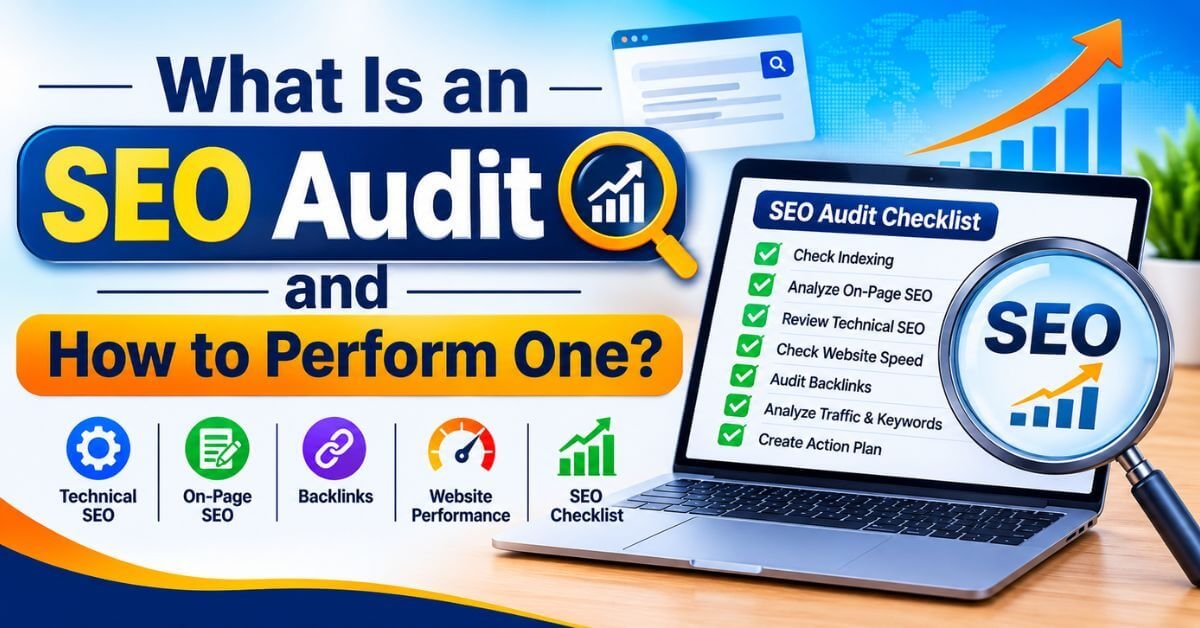

What Is an SEO Audit and How to Perform One?
An SEO Audit is a complete analysis of a website to identify problems that may affect its search engine visibility, organic traffic, website performance and user experience. If your website is not getting enough visitors from Google, important pages are not appearing in search results, or your keyword rankings are declining, performing an SEO audit is an important step towards finding the reasons.
Many website owners focus only on publishing blogs and building backlinks. However, without checking the technical health, content quality and on-page optimization of a website, even good content may struggle to achieve its full potential.
In this guide, we will explain what an SEO audit is, why it matters and how to perform one step by step. You will also learn how to use Google Search Console, Google Analytics, PageSpeed Insights and other SEO audit tools to identify website issues and create an effective optimization plan.
What Is an SEO Audit?
An SEO audit is a systematic process of examining different elements of a website to understand how well it is optimized for search engines and users.
It helps identify technical errors, indexing problems, missing metadata, broken links, slow-loading pages, duplicate content, backlink issues and other factors that may affect organic search performance.
The main objective is to understand what is working, what needs improvement and which actions should be prioritized.
Why Is an SEO Audit Important?
Regular SEO audits help website owners make informed decisions instead of making random changes to their websites.
1. Identifies Technical SEO Problems
Technical issues such as broken pages, incorrect redirects, crawling restrictions and indexing errors can prevent search engines from accessing important website content.
An SEO audit helps identify these problems so that they can be investigated and corrected.
2. Improves Website Visibility
A website may have useful content but still struggle to appear for relevant searches because of poor page structure, weak content relevance or technical issues.
An SEO audit identifies optimization opportunities that can improve search visibility.
3. Improves User Experience
Slow-loading pages, confusing navigation, mobile usability problems, and broken links can create a poor experience for visitors.
Reviewing these elements helps make a website easier to navigate and use.
4. Finds Content Optimization Opportunities
Some existing blogs may receive impressions but very few clicks. Others may have outdated information or may not fully answer the searcher's question.
A content audit helps identify pages that need updating, expanding, combining, or improving.
5. Helps Build a Better SEO Strategy
An SEO audit provides a clearer picture of website performance. It helps businesses prioritize important tasks, allocate resources, and create a practical SEO improvement plan.
How to Perform an SEO Audit Step by Step

Now let's understand how to perform an SEO audit using a practical approach. You do not need expensive tools to begin. Several free tools from Google can help you identify important website issues.
Step 1: Check Website Indexing in Google
The first step is to check whether Google can discover and index your important website pages.
You can start by searching:
site:yourwebsite.com
Replace yourwebsite.com with your actual domain.
This search operator can give you a quick indication of pages appearing in Google's index. However, it is not a complete or exact indexing report.
For a more reliable analysis, open Google Search Console.
Check the following:
Open the URL Inspection tool to investigate individual pages and understand their indexing status.
Do not try to index every URL blindly. Focus on important pages that provide value to visitors and should appear in Google Search.
Step 2: Perform a Technical SEO Audit
Technical SEO ensures that search engines can access, crawl, and understand your website effectively.
During a technical SEO audit, review these important elements:
A. XML Sitemap
Check whether your website has a valid XML sitemap and whether it contains the important URLs you want search engines to discover.
Submit your sitemap through Google Search Console.
B. Robots.txt File
Check whether your robots.txt file accidentally blocks important website sections or resources that search engines need to access.
Remember that robots.txt is primarily a crawling control mechanism, not a reliable method of removing URLs from Google's index.
C. HTTPS Security
Make sure your website uses HTTPS and that HTTP versions redirect correctly to the preferred HTTPS versions.
D. Broken Links and Redirects
Make sure your website uses HTTPS and that HTTP versions redirect correctly to the preferred HTTPS versions.
Identify:
Fix or replace broken links where appropriate.
E. Canonical Tags
Check whether important pages have appropriate canonical URLs. Incorrect canonical tags can create confusion about which version of a page should be treated as the preferred URL.
F. Mobile-Friendliness
Review your website on mobile devices. Check text readability, navigation, button sizes, layout, and horizontal scrolling.
A website should provide a consistent experience across mobile, tablet, and desktop devices.
Step 3: Perform an On-Page SEO Audit
On-page SEO focuses on optimizing individual website pages so that search engines and visitors can understand their content.
1. SEO Title
Write a unique, descriptive title that clearly explains the page topic. Include the primary keyword naturally where appropriate.
2. Meta Description
Create a useful meta description that summarizes the page and encourages relevant users to click.
3. Heading Structure
Use one clear H1 heading for the main topic and organize supporting information with relevant H2 and H3 headings.
4. Keyword Optimization
Use the primary keyword and related semantic keywords naturally in the content. Avoid repeating keywords unnecessarily.
5. Image Optimization
Use descriptive image filenames and meaningful alt text. Compress images and select appropriate dimensions to improve loading performance.
6. Internal Linking
Link to relevant pages and blogs on your website using descriptive anchor text.
For example, a blog about SEO audits can link to your guides on technical SEO, keyword research, local SEO, and XML sitemaps.
7. URL Structure
Step 4: Check Website Speed and Core Web Vitals
Website performance is an important part of the overall user experience.
Use Google PageSpeed Insights to test important pages on mobile and desktop.
If your website has performance issues, consider:
Step 5: Perform a Content SEO Audit
Content plays an important role in helping search engines understand the purpose and relevance of your website.
During a content SEO audit, examine your existing blogs, landing pages and service pages.
Look for these issues:
Thin Content: Pages that provide very little useful information or fail to answer the visitor's question.
Duplicate Content: Pages with substantially similar content that provide little additional value.
Outdated Content: Articles containing old information, outdated screenshots, incorrect statistics or irrelevant recommendations.
Keyword Cannibalization: Multiple pages targeting similar search intent and competing with each other unnecessarily.
Missing Search Intent: Content that targets a keyword but does not provide the information users are actually looking for.
Create an action plan for every important page:
Step 6: Analyze Backlinks and Off-Page SEO
During a backlink audit, examine:
Do not judge backlinks only by their quantity. Relevant, trustworthy links are more useful than a large number of unrelated links.
If you find suspicious links, investigate their source and context before taking action. Do not disavow links simply because an SEO tool labels them toxic.
Focus on creating valuable content, developing genuine industry relationships and earning relevant backlinks naturally.
Step 7: Analyze Organic Traffic and Keyword Performance
A successful SEO audit should include an analysis of actual website performance.
Use Google Analytics 4 to understand what visitors do after reaching your website.
Review:
Step 8: Create an SEO Audit Action Plan
Finding problems is only half the work. The next step is to prioritize and fix them.
Create a simple action plan based on the impact and urgency of each issue.
Start with issues that affect important pages, crawling, indexing and user experience.
After making changes, monitor the results through Google Search Console and Google Analytics 4.
Best SEO Audit Tools You Can Use
You can perform a meaningful website audit using a combination of free and paid tools.
1. Google Search Console
Use it to monitor indexing, search queries, impressions, clicks, CTR and search performance.
Official website: https://search.google.com/search-console/
2. Google Analytics 4
Use it to understand website traffic, visitor engagement, landing pages and conversions.
Official website: https://analytics.google.com/
3. Google PageSpeed Insights
Use it to analyze website speed, performance and Core Web Vitals.
Official website: https://pagespeed.web.dev/
Use it to crawl websites and identify broken links, redirects, missing metadata, duplicate titles, and other technical issues.
Official website: https://www.screamingfrog.co.uk/seo-spider/
5. Ahrefs
Use it for backlink analysis, competitor research, keyword research, and content opportunities.
Official website: https://ahrefs.com/
6. Semrush
Use it for technical site audits, keyword research, backlink analysis, and competitor monitoring.
Official website: https://www.semrush.com/
7. Rank Math SEO
For WordPress websites, Rank Math helps optimize page titles, meta descriptions, schema settings, sitemaps, and other on-page SEO elements.
Official website: https://rankmath.com/
How Often Should You Perform an SEO Audit?

There is no single schedule that works for every website.
For most small business websites, performing a detailed SEO audit every three to six months is a reasonable starting point.
Regular monitoring helps identify problems before they affect a large part of your website.
Common SEO Audit Mistakes to Avoid
While performing an SEO audit, avoid these common mistakes:
Remember, an SEO audit is not about achieving a perfect score in one SEO tool. It is about identifying meaningful problems and improving your website step by step.
Final Thoughts
An SEO Audit is an essential part of a long-term search engine optimization strategy. It helps businesses understand their website's technical health, content quality, search visibility and overall performance.
By following a structured process, using reliable SEO audit tools and monitoring the results, you can identify improvement opportunities and build a stronger foundation for organic growth.
At Kishor Digital Academy, we believe that effective SEO comes from understanding how websites actually perform, not just following theoretical checklists. With 19 years of real market experience in digital marketing, our approach focuses on practical implementation, data analysis and continuous improvement.
If you want to learn website optimization, technical SEO, keyword research, Google Search Console and other digital marketing skills through practical training, explore the learning opportunities at Kishor Digital Academy.
Visit: https://kishordigital.com/
Whether you need more leads, better online visibility or a complete digital marketing solution, our team is here to understand your goals and suggest the right approach for your business. Get in touch with KishorDigital today and let’s turn your digital goals into measurable results.