

What Is Internal Linking? Complete SEO Strategy
Internal linking is one of the most important SEO techniques for improving website structure, helping search engines discover content, and guiding visitors to relevant pages. Whether you run a business website, blog, or eCommerce store, a well-planned internal linking strategy can make your website easier to navigate and help search engines understand the relationship between your pages.Many website owners focus heavily on backlinks and keywords but overlook internal links. This is a missed opportunity because internal linking is something you can control directly without depending on other websites.In this guide, we will explain what internal linking is, why it matters for SEO, how to create an effective internal linking strategy, and which mistakes you should avoid.
What Is Internal Linking in SEO?
Internal linking is the process of connecting one page of a website to another page on the same website through hyperlinks.
For example, if you have a blog post about SEO audits and add a link to another article explaining keyword research, that connection is an internal link.
Internal links help visitors discover related information while allowing search engines such as Google to understand your website's structure and relationships between different pages.
Example:
For example, if you have a blog post about SEO audits and add a link to another article explaining keyword research, that connection is an internal link.
Internal links help visitors discover related information while allowing search engines such as Google to understand your website's structure and relationships between different pages.
Example:
Suppose your website publishes these articles:
You can connect these articles wherever the content is relevant. This creates a connected website structure rather than leaving every article isolated.
Why Is Internal Linking Important for SEO?
Internal linking plays several roles in search engine optimization. It supports website navigation, content discovery, and the distribution of internal link equity.
Here are the major benefits.
You can connect these articles wherever the content is relevant. This creates a connected website structure rather than leaving every article isolated.
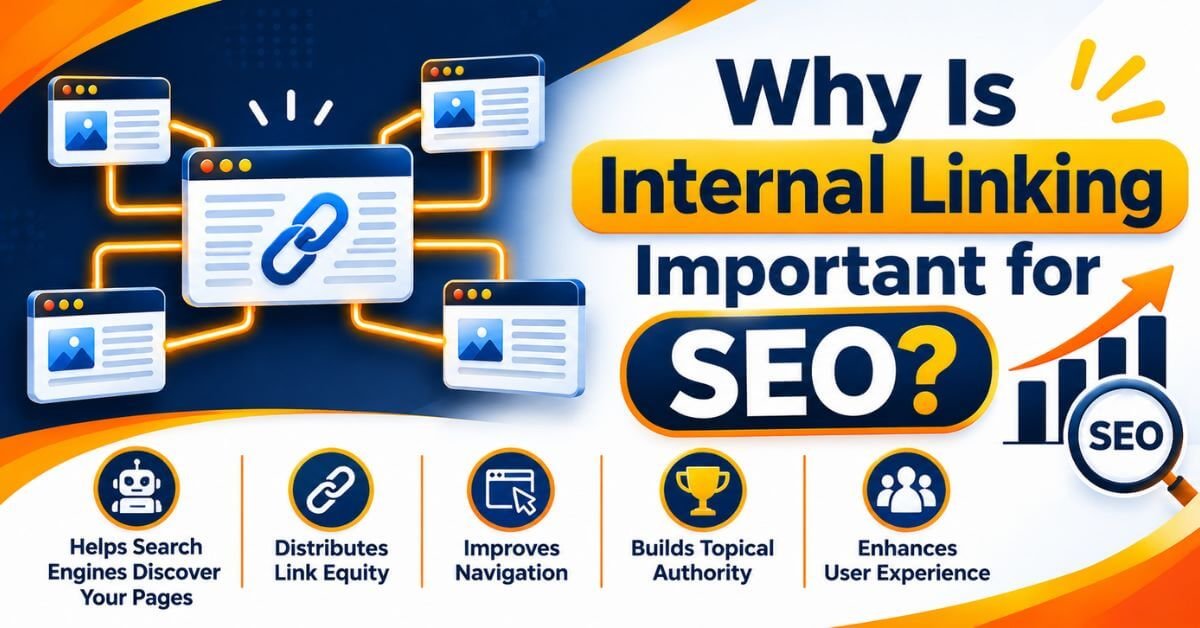
Why Is Internal Linking Important for SEO?
Internal linking plays several roles in search engine optimization. It supports website navigation, content discovery, and the distribution of internal link equity.
Here are the major benefits.
1. Helps Search Engines Discover Your Pages
Google uses links to discover new pages and understand how different URLs are connected.
When you publish a new blog post and link to it from an existing relevant page, you create another pathway through which search engines may discover that content.
However, internal links do not guarantee indexing. Your pages must also meet Google's technical and quality requirements.
When you publish a new blog post and link to it from an existing relevant page, you create another pathway through which search engines may discover that content.
However, internal links do not guarantee indexing. Your pages must also meet Google's technical and quality requirements.
2. Helps Distribute Link Equity
Pages on your website may receive external backlinks from other websites. Relevant internal links can help search engines understand how important related pages connect to one another.
This is commonly discussed as the distribution of link equity or PageRank.
For example, if an authoritative blog post receives quality backlinks, linking from that page to a relevant supporting article may help Google discover and understand the relationship between both pages.
This is commonly discussed as the distribution of link equity or PageRank.
For example, if an authoritative blog post receives quality backlinks, linking from that page to a relevant supporting article may help Google discover and understand the relationship between both pages.
A good internal linking structure makes it easier for visitors to find additional information.
Instead of returning to Google to search for another topic, visitors can follow relevant links within your content.
This creates a better browsing experience and helps users explore more of your website.
Instead of returning to Google to search for another topic, visitors can follow relevant links within your content.
This creates a better browsing experience and helps users explore more of your website.
4. Builds Topical Authority
Publishing multiple articles about related subjects and connecting them through relevant internal links helps establish clear topical relationships.
For example, a website focusing on digital marketing could create a content structure covering:
For example, a website focusing on digital marketing could create a content structure covering:
Connecting these articles helps create a well-organized resource around digital marketing.
Remember, internal links alone do not establish topical authority. Content quality, expertise, relevance, and overall website signals also matter.
Remember, internal links alone do not establish topical authority. Content quality, expertise, relevance, and overall website signals also matter.
5. Helps Visitors Find Relevant Content
Internal links introduce readers to additional information related to the topic they are currently reading.
For example, someone reading about technical SEO may also need to understand XML sitemaps, canonical tags, and indexing issues.
Providing relevant links helps visitors continue learning without interrupting their reading experience.
For example, someone reading about technical SEO may also need to understand XML sitemaps, canonical tags, and indexing issues.
Providing relevant links helps visitors continue learning without interrupting their reading experience.
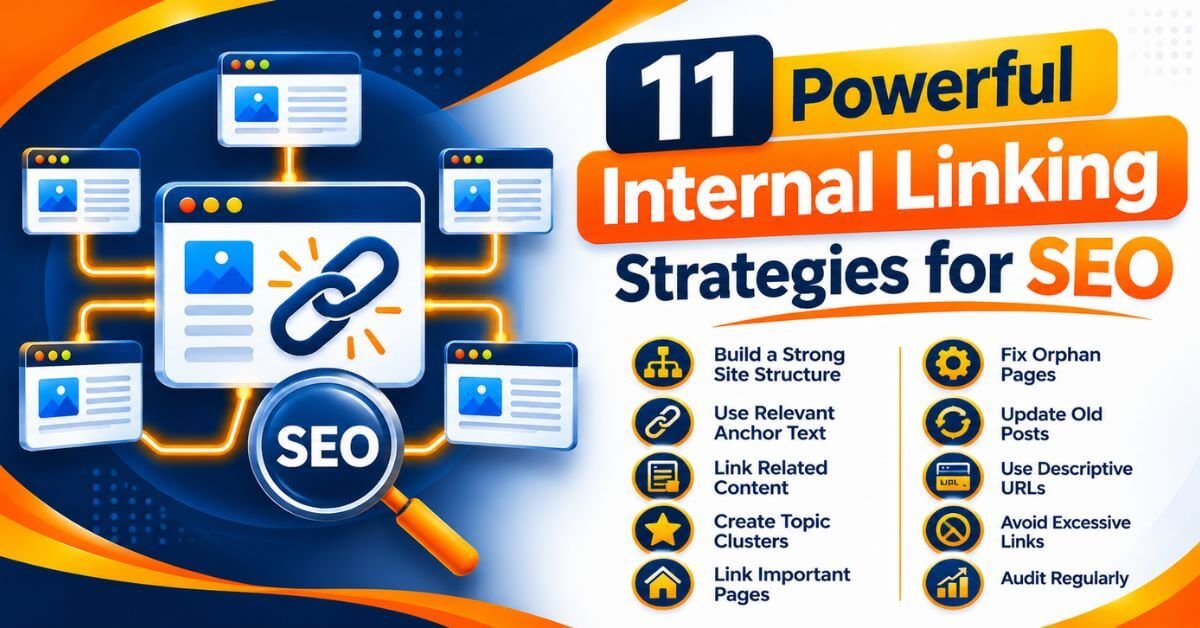
11 Powerful Internal Linking Strategies for SEO
Now let's understand how to build an effective internal linking strategy.
1. Create a Clear Website Structure
Before adding internal links, organize your website into logical categories.
A simple website structure could look like this:

This structure helps visitors and search engines understand how your content is organized.
2. Use Relevant Anchor Text
Anchor text is the clickable text used in a hyperlink.
For example:
Instead of writing "Click here to learn more," use descriptive text such as "learn more about technical SEO."
Relevant anchor text provides context about the destination page.
Use natural language and avoid repeating the same keyword unnaturally across every link.
For example:
Instead of writing "Click here to learn more," use descriptive text such as "learn more about technical SEO."
Relevant anchor text provides context about the destination page.
Use natural language and avoid repeating the same keyword unnaturally across every link.
3. Link Related Blog Posts
Whenever you publish a new article, review your existing content to identify relevant linking opportunities.
For example, an article about keyword research can naturally link to your guide about on-page SEO.
Similarly, a technical SEO article can link to your internal linking guide.
The goal is to connect genuinely related topics rather than adding links just to increase their number.
For example, an article about keyword research can naturally link to your guide about on-page SEO.
Similarly, a technical SEO article can link to your internal linking guide.
The goal is to connect genuinely related topics rather than adding links just to increase their number.
4. Use Topic Clusters
Topic clusters are groups of related content organized around a central subject.
A typical topic cluster contains:
For example, an SEO pillar page can connect to supporting guides about keyword research, technical SEO, internal linking, and link building.
This approach creates a more organized content ecosystem.
This approach creates a more organized content ecosystem.
5. Link Important Pages From Your Homepage
Your homepage is often one of the most important pages of your website.
Make sure important pages, such as primary services, course pages, and major resources, are accessible through appropriate navigation or contextual links.
Avoid hiding important content several clicks deep without a good reason.
Make sure important pages, such as primary services, course pages, and major resources, are accessible through appropriate navigation or contextual links.
Avoid hiding important content several clicks deep without a good reason.
6. Fix Orphan Pages
An orphan page is a page that has no internal links pointing to it from other pages on your website.
Search engines may still discover orphan pages through XML sitemaps or external links, but they can be harder for users and crawlers to find through normal website navigation.
Regularly audit your website to identify important orphan pages and add relevant internal links.
Search engines may still discover orphan pages through XML sitemaps or external links, but they can be harder for users and crawlers to find through normal website navigation.
Regularly audit your website to identify important orphan pages and add relevant internal links.
7. Update Old Blog Posts
Your older blog posts can become valuable sources of internal links.
Whenever you publish a new article, review your existing relevant content and add contextual links pointing to the new page.
Also, review older articles for outdated links and update them where necessary.
This creates connections between your old and new content.
Whenever you publish a new article, review your existing relevant content and add contextual links pointing to the new page.
Also, review older articles for outdated links and update them where necessary.
This creates connections between your old and new content.
8. Use Descriptive URLs
Keep your website URLs short, readable, and relevant to the page topic.For example:example.com/internal-linking-strategy/A clean URL structure makes your website easier to understand and manage.Remember that URL structure and internal linking are separate SEO elements, but both contribute to better website organization.
9. Avoid Excessive Internal Links
Adding more internal links does not automatically improve SEO.
Every link should provide value to the reader and make sense within the surrounding content.
Avoid linking every keyword or adding multiple links to the same destination without a clear reason.
Focus on relevance, usefulness, and natural placement.
Breadcrumbs show visitors where they are within your website structure.
Every link should provide value to the reader and make sense within the surrounding content.
Avoid linking every keyword or adding multiple links to the same destination without a clear reason.
Focus on relevance, usefulness, and natural placement.
Breadcrumbs show visitors where they are within your website structure.
Breadcrumbs show visitors where they are within your website structure.
For example:Home > SEO > Technical SEO > Internal Linking
Breadcrumb navigation helps visitors understand the relationship between pages and provides additional internal navigation pathways.
You can implement breadcrumbs using your WordPress SEO plugin or a suitable theme feature.
For example:Home > SEO > Technical SEO > Internal Linking
Breadcrumb navigation helps visitors understand the relationship between pages and provides additional internal navigation pathways.
You can implement breadcrumbs using your WordPress SEO plugin or a suitable theme feature.
11. Audit Internal Links Regularly
Internal linking is not a one-time activity.
Review your website regularly to identify:
Tools such as Google Search Console and SEO crawling software can help identify technical and structural issues.
How to Find Internal Linking Opportunities
You do not need expensive SEO software to start finding internal linking opportunities.
Here are some practical methods.
Here are some practical methods.
Method 1: Use Google Search Operators
You can use Google's site search operator to find relevant pages on your website.
Example:
site:kishordigital.com SEOThis search can help you discover existing pages related to SEO.Review the results and identify articles where a link to your new content would genuinely help readers.
Method 2: Use Google Search Console
Google Search Console helps you understand which pages are indexed, how they perform, and how Google discovers your website content.
You can use its URL Inspection and Page Indexing reports to investigate individual URLs.
It is also useful for monitoring whether important pages are indexed and available in Google Search.
You can use its URL Inspection and Page Indexing reports to investigate individual URLs.
It is also useful for monitoring whether important pages are indexed and available in Google Search.
Method 3: Use SEO Audit Tools
SEO crawling tools can help identify internal linking problems across larger websites.
Some useful tools include:
These tools can help identify broken links, orphan pages, crawl depth, and internal linking opportunities, depending on the tool and configuration.
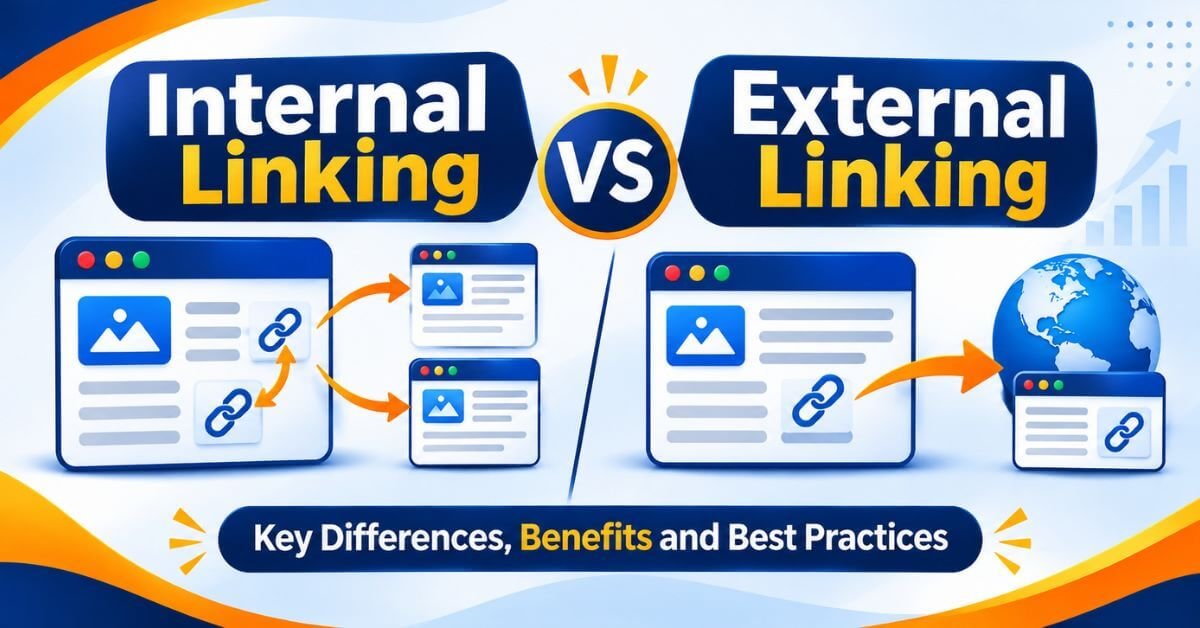
Internal Linking vs External Linking
Internal linking and external linking are both important parts of SEO, but they serve different purposes.
Both should be used naturally and according to the needs of your content.
Common Internal Linking Mistakes to Avoid
Even websites with plenty of internal links can have poor linking structures.
Avoid these common mistakes:
How to Build an Internal Linking Strategy in WordPress
If your website runs on WordPress, implementing internal linking is relatively straightforward.
Follow these steps:
Step 1: Identify your important pages.
List your main service pages, category pages, pillar articles, and important blog posts.
Step 2: Organize content by topic.
Group related articles into logical categories and topic clusters.
Step 3: Find relevant existing articles.
Search your website for older posts that discuss topics related to your new article.
Step 4: Add contextual links.
Add links naturally within paragraphs where they provide additional information.
Step 5: Review your anchor text.
Use descriptive and relevant anchor text rather than generic phrases.
Step 6: Check the links.
Test your internal links and ensure they point to the correct destination URLs.
Step 7: Monitor website performance.
Use Google Search Console and suitable SEO audit tools to monitor indexing, crawling, and website performance.
Final Thoughts
Internal linking is more than simply connecting two pages through hyperlinks. It is an important part of building a well-organized website that visitors and search engines can understand.
A strong internal linking strategy helps connect related content, improve navigation, support content discovery, and create a logical website structure.
If you are running a blog, business website, or eCommerce store, make internal linking a regular part of your SEO workflow.
At Kishor Digital Academy, we believe that effective SEO comes from understanding how search engines work and implementing the right strategies through practical experience. Focus on creating useful content, connecting related pages, and continuously improving your website structure.
A strong internal linking strategy helps connect related content, improve navigation, support content discovery, and create a logical website structure.
If you are running a blog, business website, or eCommerce store, make internal linking a regular part of your SEO workflow.
At Kishor Digital Academy, we believe that effective SEO comes from understanding how search engines work and implementing the right strategies through practical experience. Focus on creating useful content, connecting related pages, and continuously improving your website structure.
Why Kishor Kishor Digital Academy
Have a project in mind or looking to grow your business online? Let’s talk! At KishorDigital, we help businesses build a stronger digital presence through SEO, Google Ads, Meta Ads, Social Media Marketing, Website Development, Performance Marketing and AI-powered digital marketing strategies.
Whether you need more leads, better online visibility or a complete digital marketing solution, our team is here to understand your goals and suggest the right approach for your business. Get in touch with KishorDigital today and let’s turn your digital goals into measurable results.
Whether you need more leads, better online visibility or a complete digital marketing solution, our team is here to understand your goals and suggest the right approach for your business. Get in touch with KishorDigital today and let’s turn your digital goals into measurable results.
lets get in touch
Frequently Asked Questions (FAQs)
Internal linking is the process of connecting one page of a website to another page on the same domain using hyperlinks. It helps visitors navigate content and supports search engine crawling and website structure.
There is no fixed number of internal links recommended by Google. Add as many as are genuinely useful for readers and relevant to the content.
Internal links can support SEO by helping search engines discover pages, understand content relationships, and understand the relative importance of pages. However, internal links alone cannot guarantee higher rankings.
Anchor text is the clickable text within a hyperlink. It helps users and search engines understand what the linked page is about.
Both serve different purposes. Internal links help organize your website and connect its pages, while backlinks are links from external websites. Both can contribute to an effective SEO strategy.
Core Web Vitals are part of Google's page experience considerations and align with what its ranking systems seek to reward. However, good scores do not guarantee higher rankings because Google considers many other factors.
Yes, but use links naturally. Repeating the same destination link unnecessarily can make content difficult to read.
Google Search Console, Screaming Frog SEO Spider, Ahrefs, and Semrush can help analyze website structure and identify internal linking opportunities.